
All resourcesTraining
Training videos
Short, focused walkthroughs of the SafestHires platform. Watch a video below or open its dedicated page to share the link with your team.
Short answer
SafestHires training videos are short walkthroughs of how to use the SafestHires screening platform.
The training video library covers day-to-day platform tasks such as placing orders, inviting applicants, and reading finished reports. Each video runs a few minutes and opens on its own dedicated page, making it easy to share a specific walkthrough link with a colleague.
 2:24
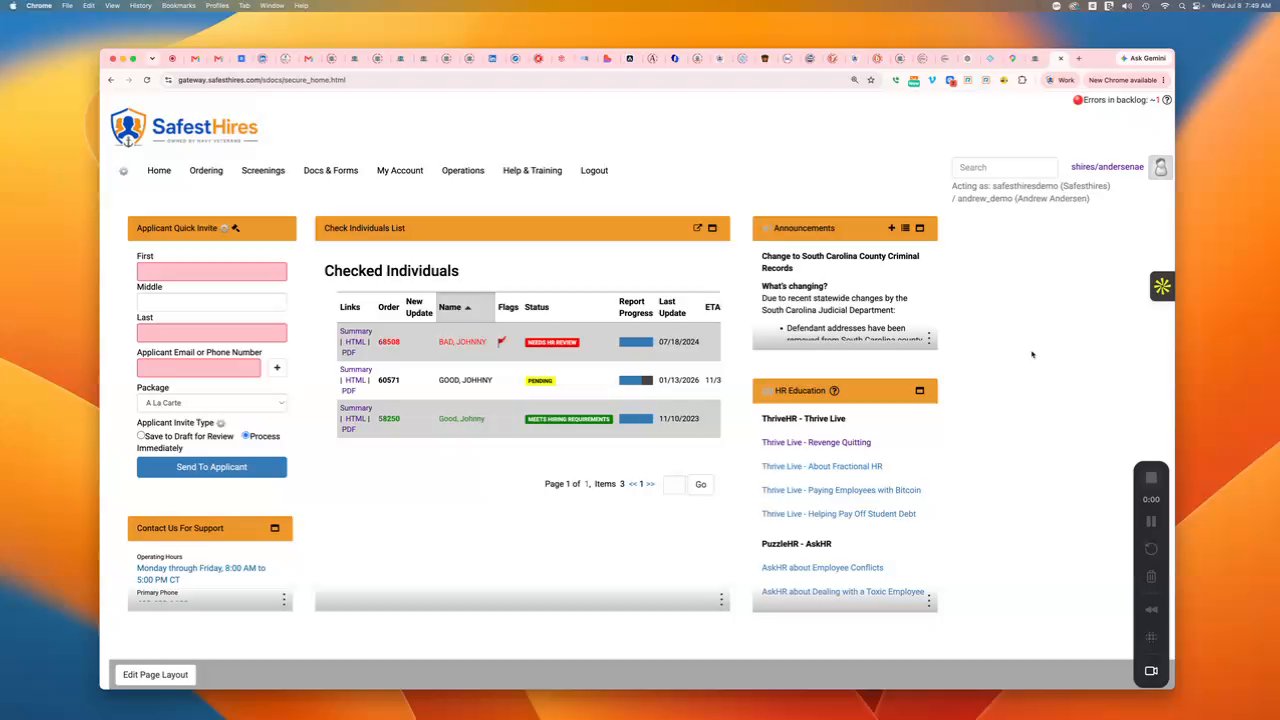
2:24SafestHires: Placing Orders
Placing orders on the SafestHires platform.
Watch video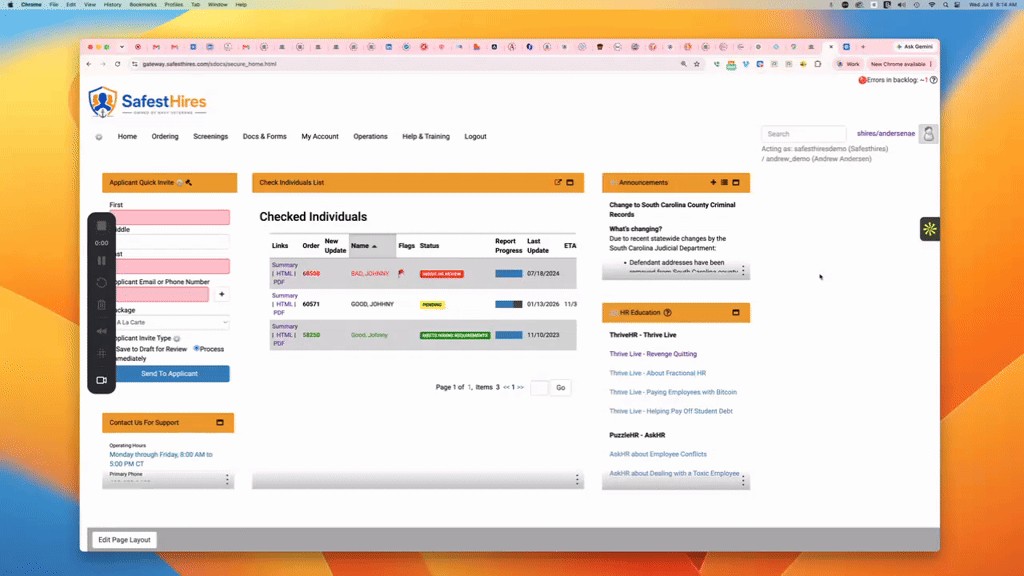 3:10
3:10SafestHires: Viewing Reports
Viewing SafestHires reports and other homepage widgets explained.
Watch video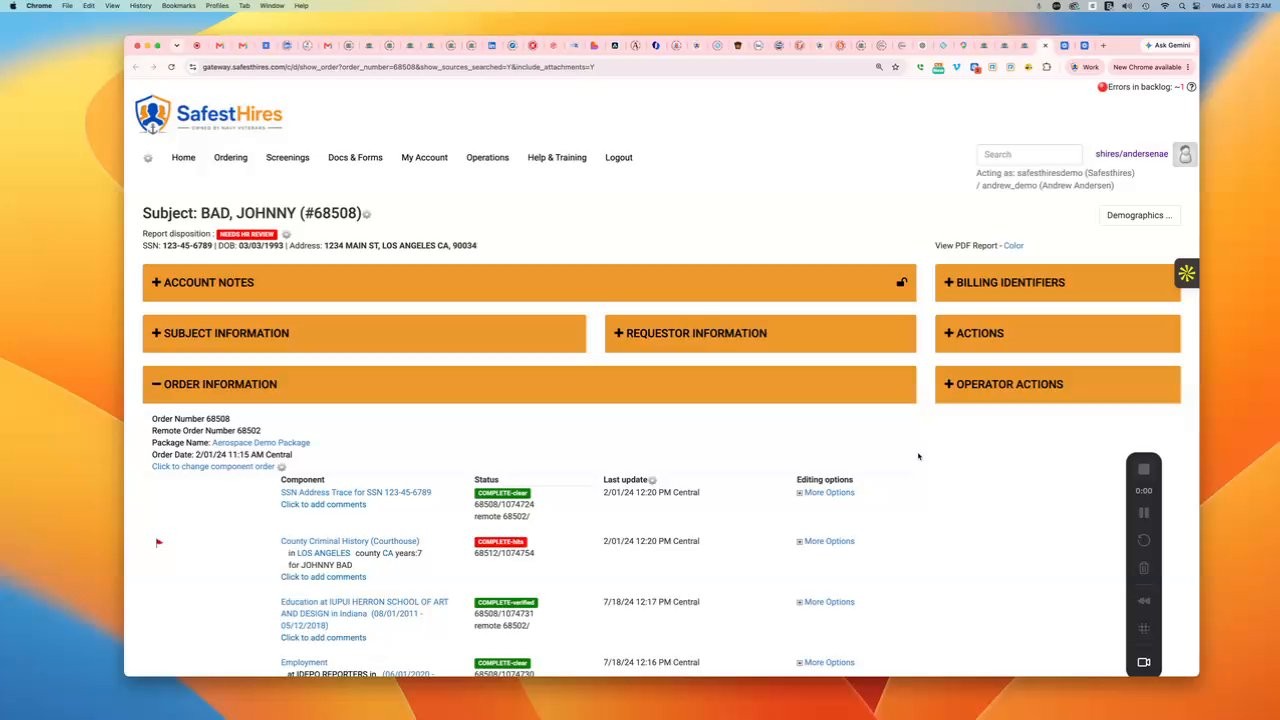 1:31
1:31SafestHires: Reports Page Overview
Using different functions on the reports page.
Watch video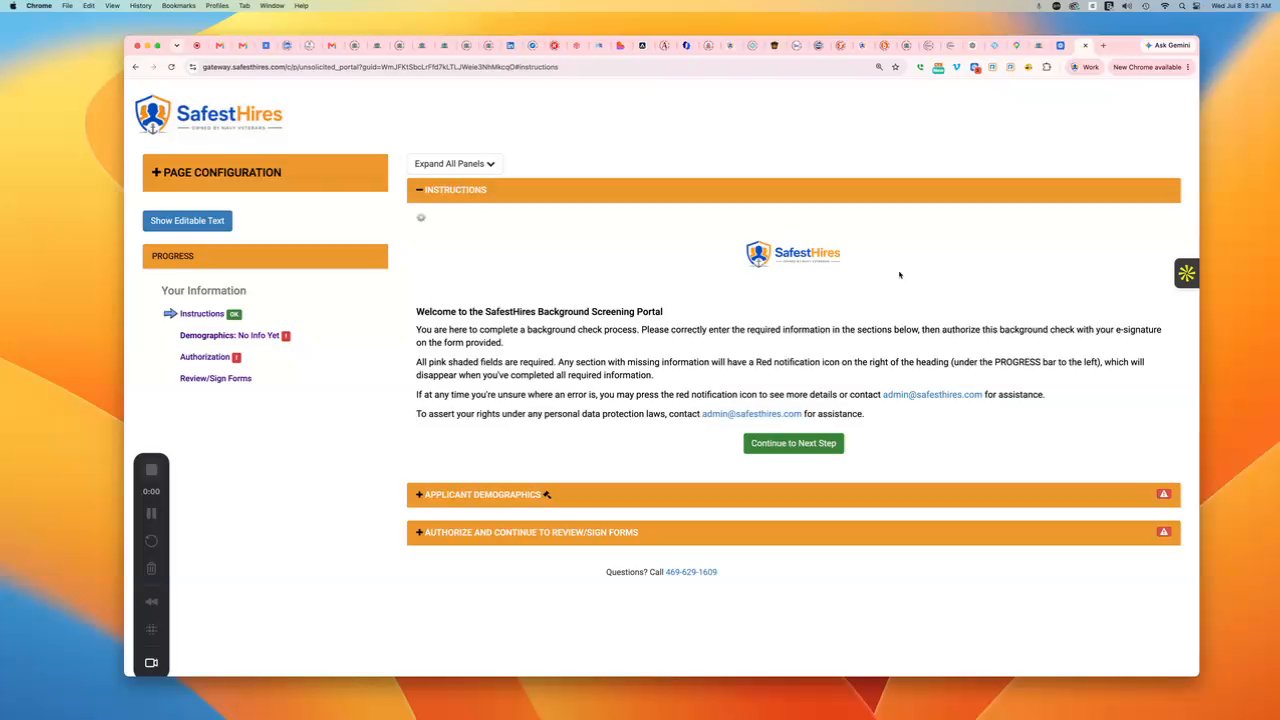 1:39
1:39SafestHires: Applicant Portal Overview
The applicant portal explained.
Watch video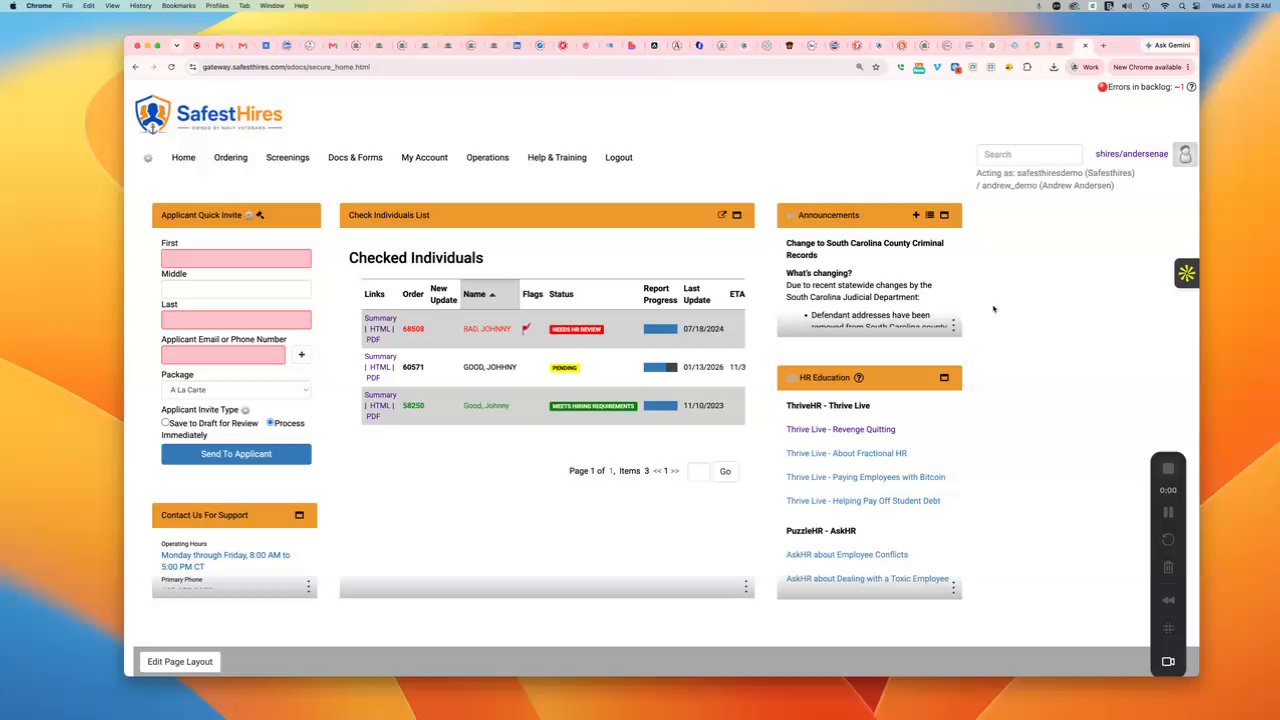 1:14
1:14SafestHires: Adding a search to existing order
Steps to follow to add a search to an existing order.
Watch video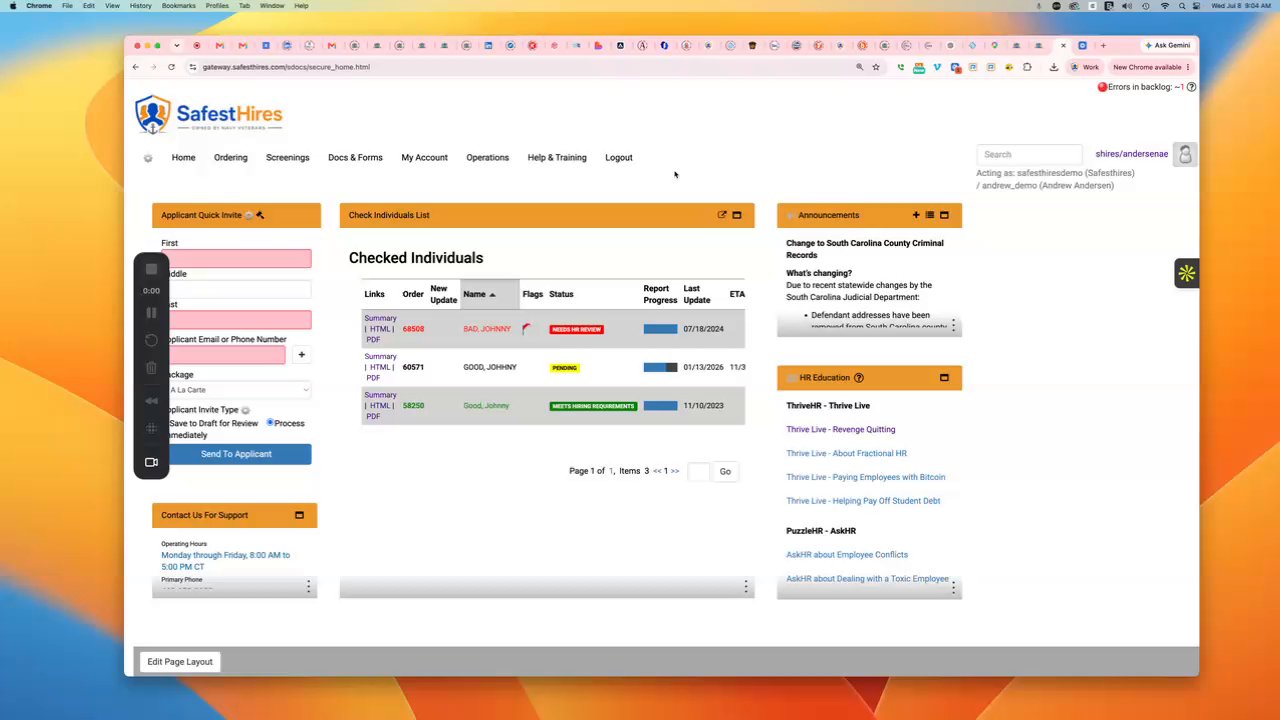 0:54
0:54SafestHires: Making credit card payments
How to pay your invoice by credit card.
Watch video