SafestHires: Making credit card payments
How to pay your invoice by credit card.
Summary
How to pay a SafestHires invoice by credit card. SafestHires accepts credit card, check, and ACH. To pay by card, log in, open My Account > Invoices, and click the green Pay Invoice button next to any unpaid invoice to enter card details.
What this video covers
- SafestHires accepts payment by credit card, check, or ACH.
- Log in and open the My Account menu item, then the Invoices tab.
- Unpaid invoices show a green Pay Invoice button on the right.
- Clicking Pay Invoice opens the secure screen where you enter credit card information.
Full transcript
Machine transcript of the video above, lightly edited for readability.
Welcome to the SafestHires background screening platform. In this video, we are going to quickly explain how to pay invoices by credit card. SafestHires accepts payment by credit card. Check or ACH.
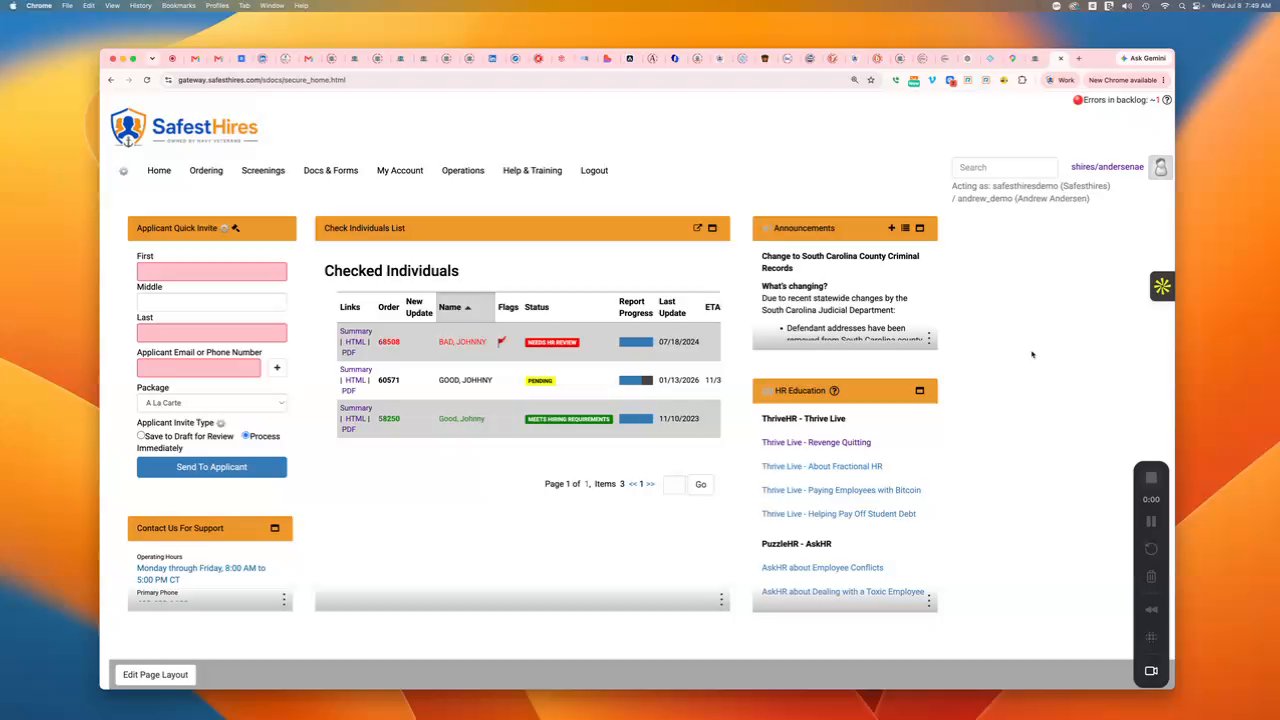
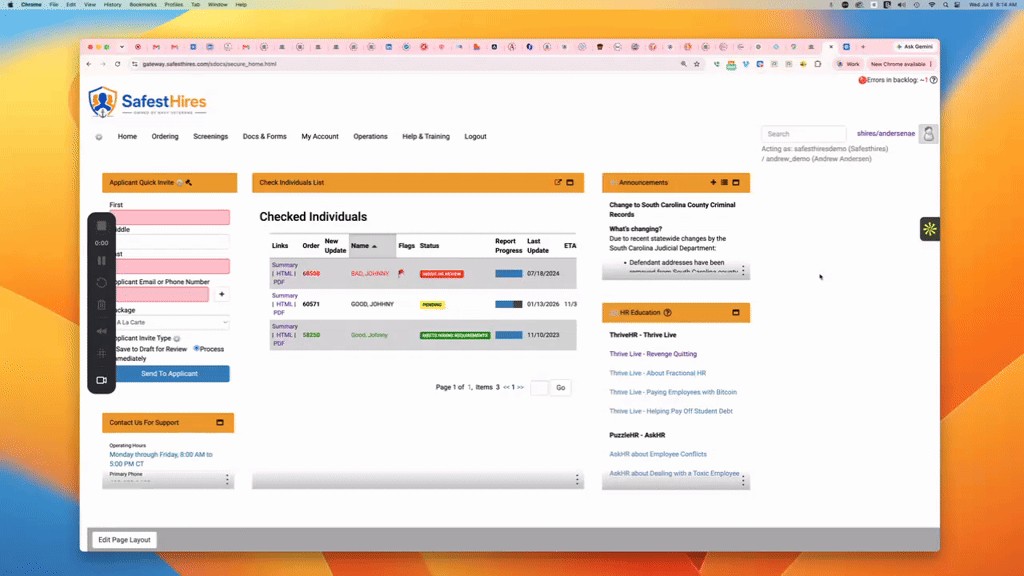
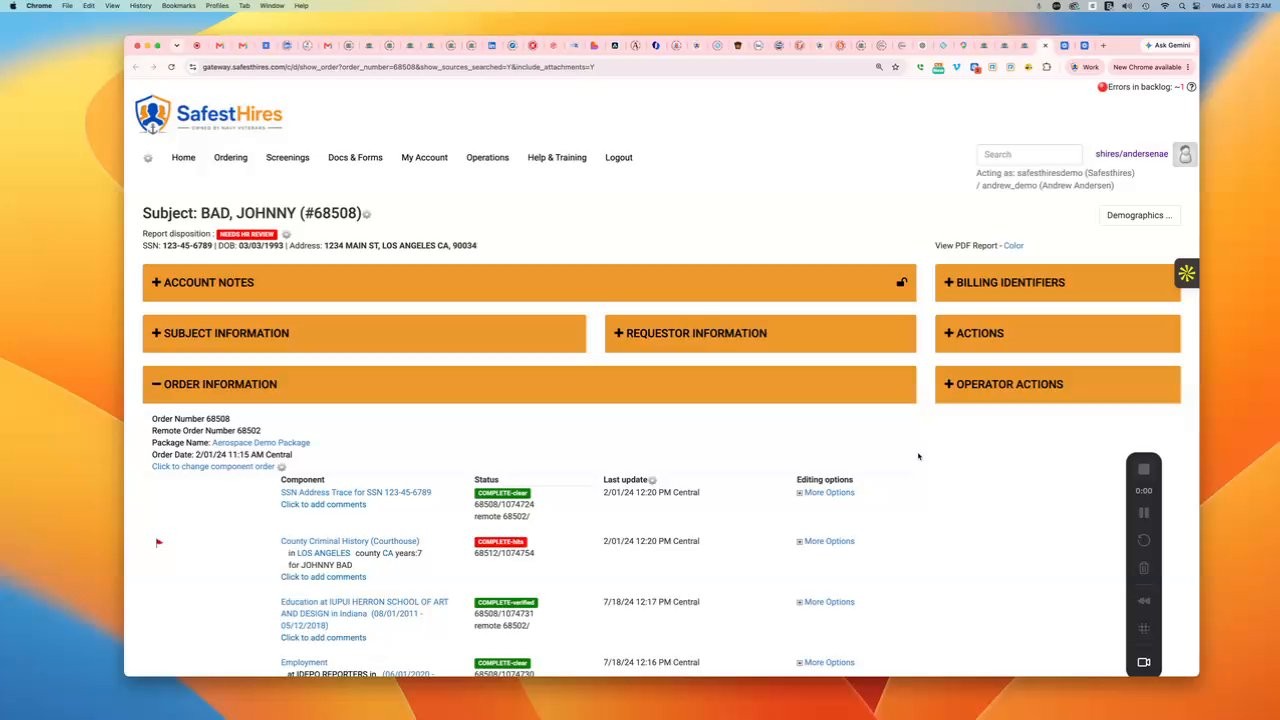
If you want to pay by credit card, you would log into the platform and come here to the top menu item that says My Account, and then you will click on the Invoices tab here, and then you will see your invoices, and off to the right, if you have an unpaid invoice that you wish to pay by credit card, there will be a green button here that says Pay Invoice. You can click that button, and it will take you to the screen where you can enter your credit card information. And that is how to pay your invoices by credit card. Thank you.