SafestHires: Applicant Portal Overview
The applicant portal explained.
Summary
A candidate's-eye view of the SafestHires Applicant Portal. After an Applicant Quick Invite is sent, the candidate opens an emailed link, sees your company logo and instructions, completes their personal information, and electronically signs the legally required disclosure and consent forms on desktop or mobile.
What this video covers
- The candidate receives an email with instructions and a secure link after you submit an Applicant Quick Invite.
- Your company logo and instructional language appear at the top of the portal.
- First and last name are pre-populated; the candidate adds middle name (or checks a box if they have none), Social Security number, date of birth, and address.
- Candidates can disclose known criminal records and add detail, which improves report accuracy.
- The final step presents the legally required disclosure forms and captures an electronic signature — by mouse on desktop, or by finger on tablet and smartphone.
Full transcript
Machine transcript of the video above, lightly edited for readability.
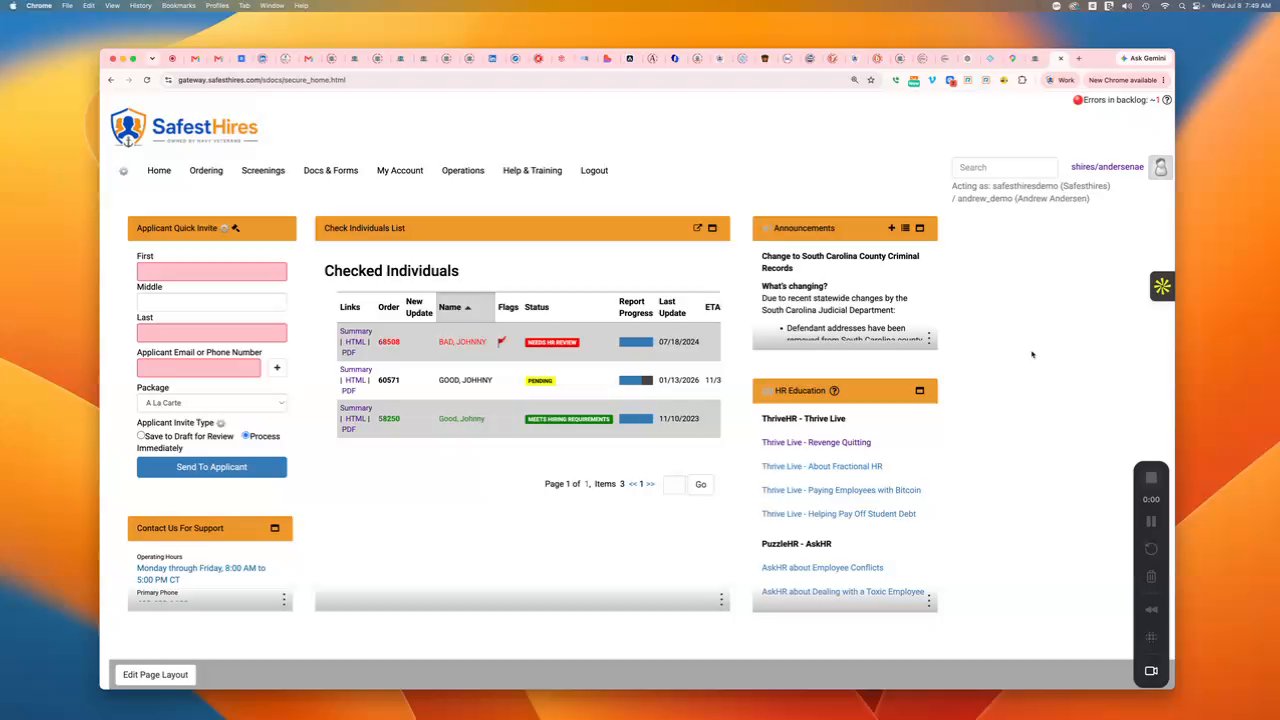
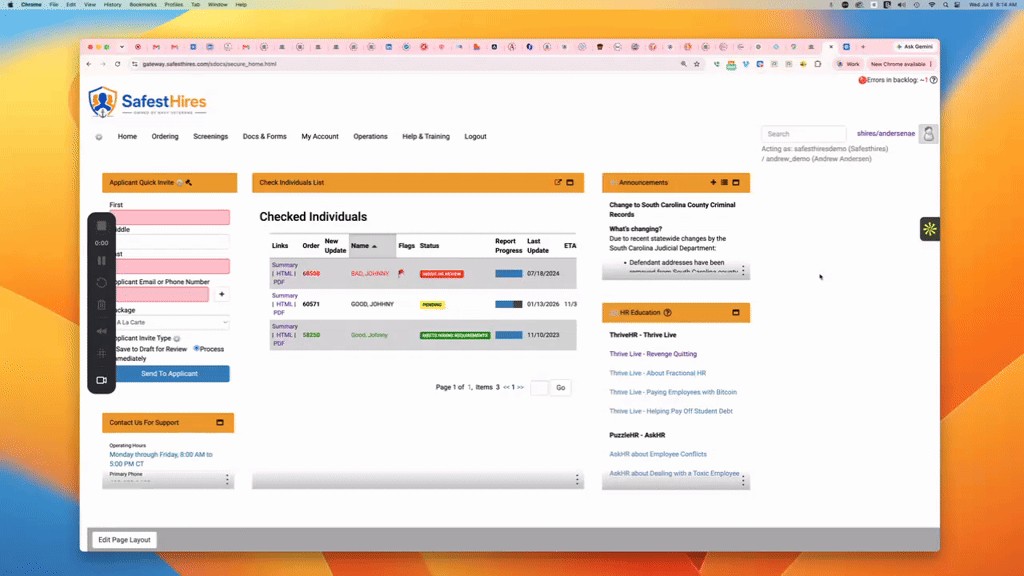
Welcome to the SafestHires platform. In this video, we're going to provide a quick overview of the Applicant Portal. So, if you use our Applicant Quick Invite widget, where you enter your Candidate's name and email address, and select your package, and then submit the order, the Candidate receives an email message with some instructions and a link. When they click the link, they're brought to this screen.
the first thing they'll see at the top under the instructions is your company logo, followed by some instructional language. Then they'll click this green button to continue to the next step. On this section, they will enter their information. First and last name will be pre-populated from the information that you've entered.
They will enter their middle name or initial. If they don't have one, they can check this box, and then that's no longer a required field. they'll enter their social, date of birth. their address, their email address will be populated here as well.
they'll let us know if they have any known criminal records. If they do, they can select yes, and then provide some additional information, and that helps us maximize accuracy. When, delivering a completed report, once they're done, this button will turn green, and they will continue to the next step, where they will check this box and advance to another screen where we will present them. with their legally required disclosure forms, and they will electronically sign their consent form.
If they're doing this on a desktop or, or a laptop, they will sign with their mouse, and if they're doing it on a tablet or a smartphone, they will sign with and write on their device with their finger. And that is the SafestHires Applicant Portal.