
IVES Employment Verification: IRS Records, Without Salary in the Hiring Report
An IRS-record-based approach to reviewing reported employment history. Understand the applicant’s authorization, the difference between a transcript and a salary-free hiring report, and the questions to ask before ordering.
Short answer
How does IVES support employment verification?
IVES is the IRS Income Verification Express Service, a taxpayer-authorized way for a third party to obtain tax transcripts. Screening providers use IRS-reported W-2 and 1099 information to review payer history by tax year. For hiring, request an employment-only report that excludes salary amounts. That report is not the same as the underlying IRS transcript, and tax-year information is not a confirmation of exact job dates or job title.
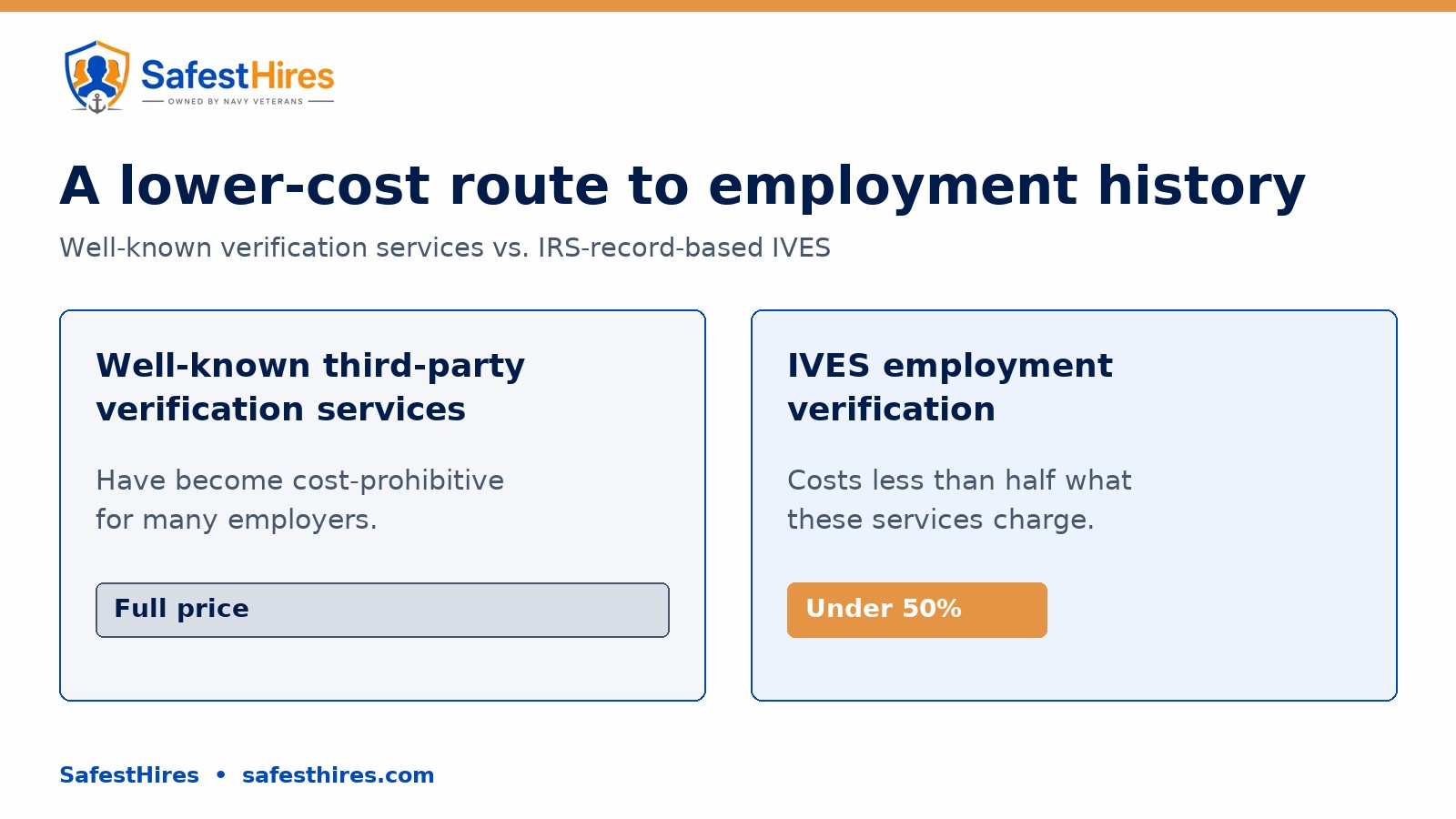
Well-known third-party employment verification services have become cost-prohibitive, but IVES costs less than half what these services charge.
What is IVES, and why does the IRS page mention lenders?
The IRS IVES overview describes a service through which taxpayers authorize banks and lenders to access tax records. The important distinction for HR is the source: IVES provides access to IRS records with the taxpayer’s consent. It is not a call to the former employer or a direct connection to a current payroll system.
Employment-screening providers also describe products built around IRS transcript information. Red Trends and Connecticut Background Checks describe IRS-record-based employment searches. This does not mean every background screening company automatically has direct IRS access; ask which IVES participant handles the request and which report your organization will receive.
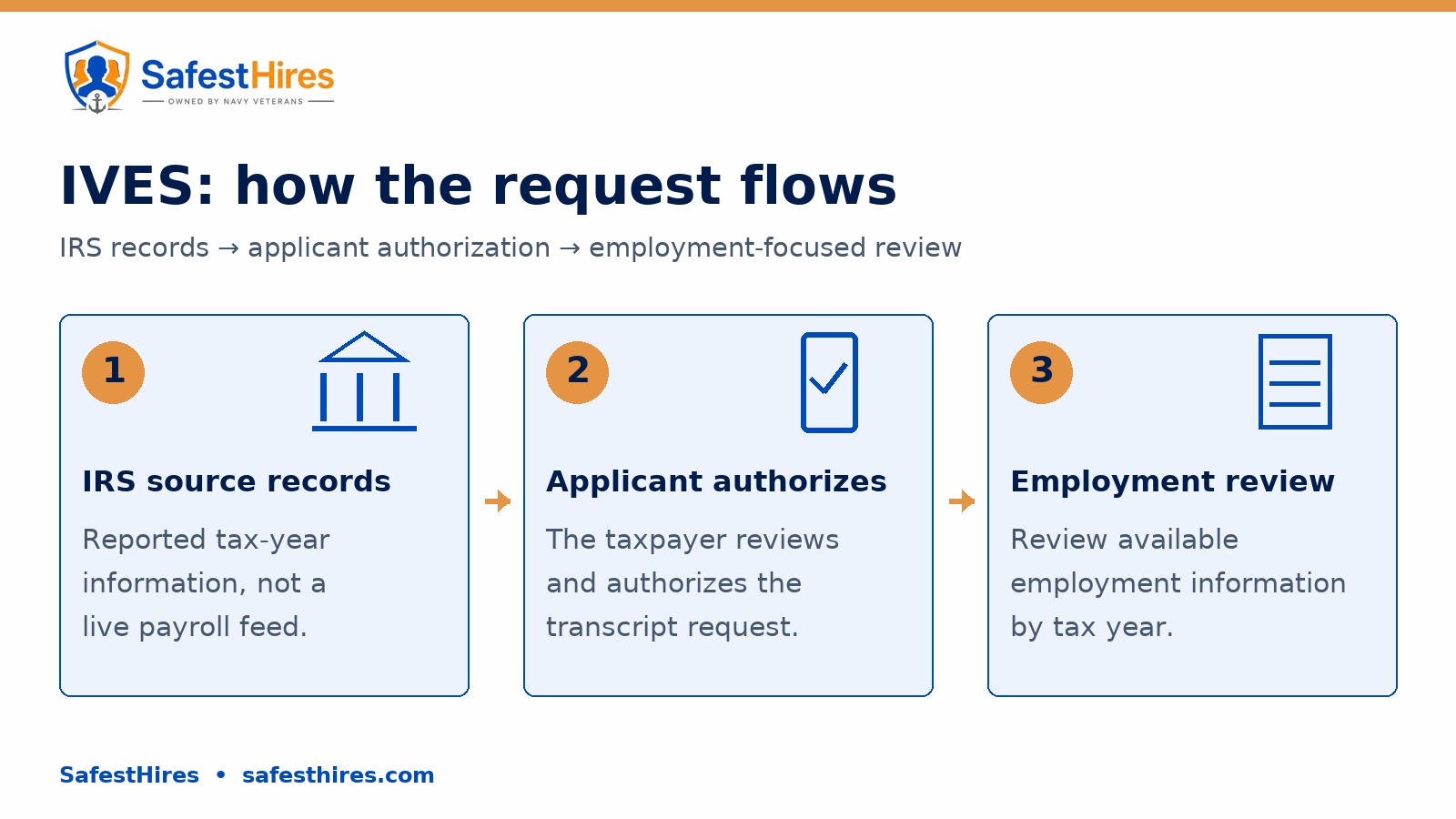
How an IVES employment request works
- Identify the records needed. Define the tax years and the employment information you want reviewed before requesting access.
- The applicant authorizes the request. The taxpayer reviews the request and authorizes access to the specified IRS records.
- Review the employment-focused result. Compare the available reported payer and tax-year information with the history supplied by the applicant; request follow-up for details the records do not establish.
The IRS taxpayer instructions explain the authorization process, including Form 4506-C and online authorization. The IRS, Red Trends and Connecticut Background Checks all describe taxpayer authorization as part of the transcript-based workflow. Confirm the exact applicant steps for the service you order rather than assuming every provider uses the same invitation or sign-in experience.
Employment verification is not a salary inquiry
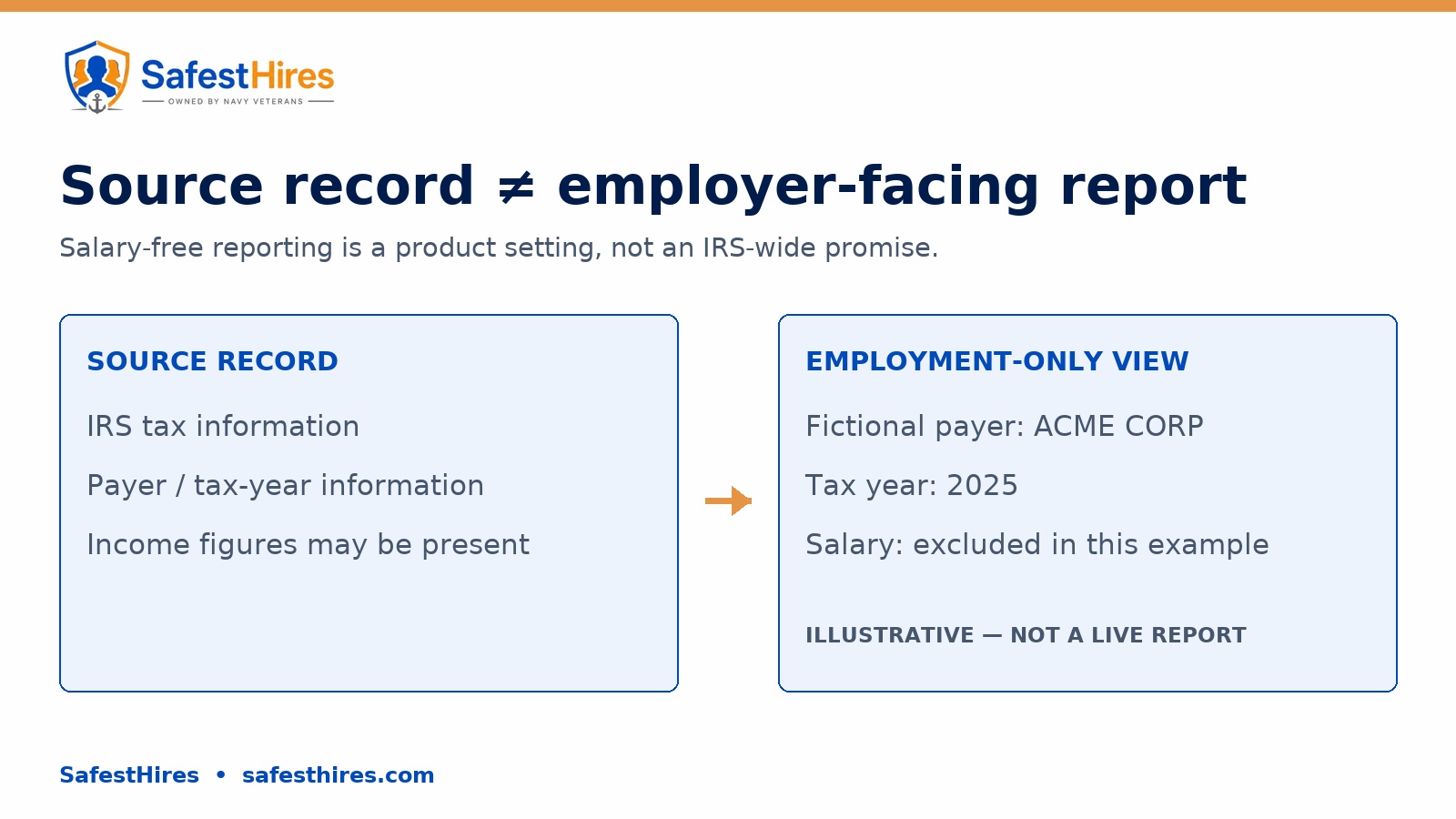
For a hiring workflow focused on employment history, specify the output you need: reported payer information and tax years, with salary and income amounts excluded from the employer-facing report. Ask for a sample of that exact report before placing an order. Confirm that attachments and any exported results also follow the requested scope.
Do not assume that an IRS transcript and a screening provider’s summary contain identical fields. Treat salary exclusion as a requirement to confirm with the provider—not as a blanket feature of IVES. The illustration below shows the employment-only output being requested, not a live SafestHires result or a standardized IRS report.
What reported W-2 and 1099 information can tell you
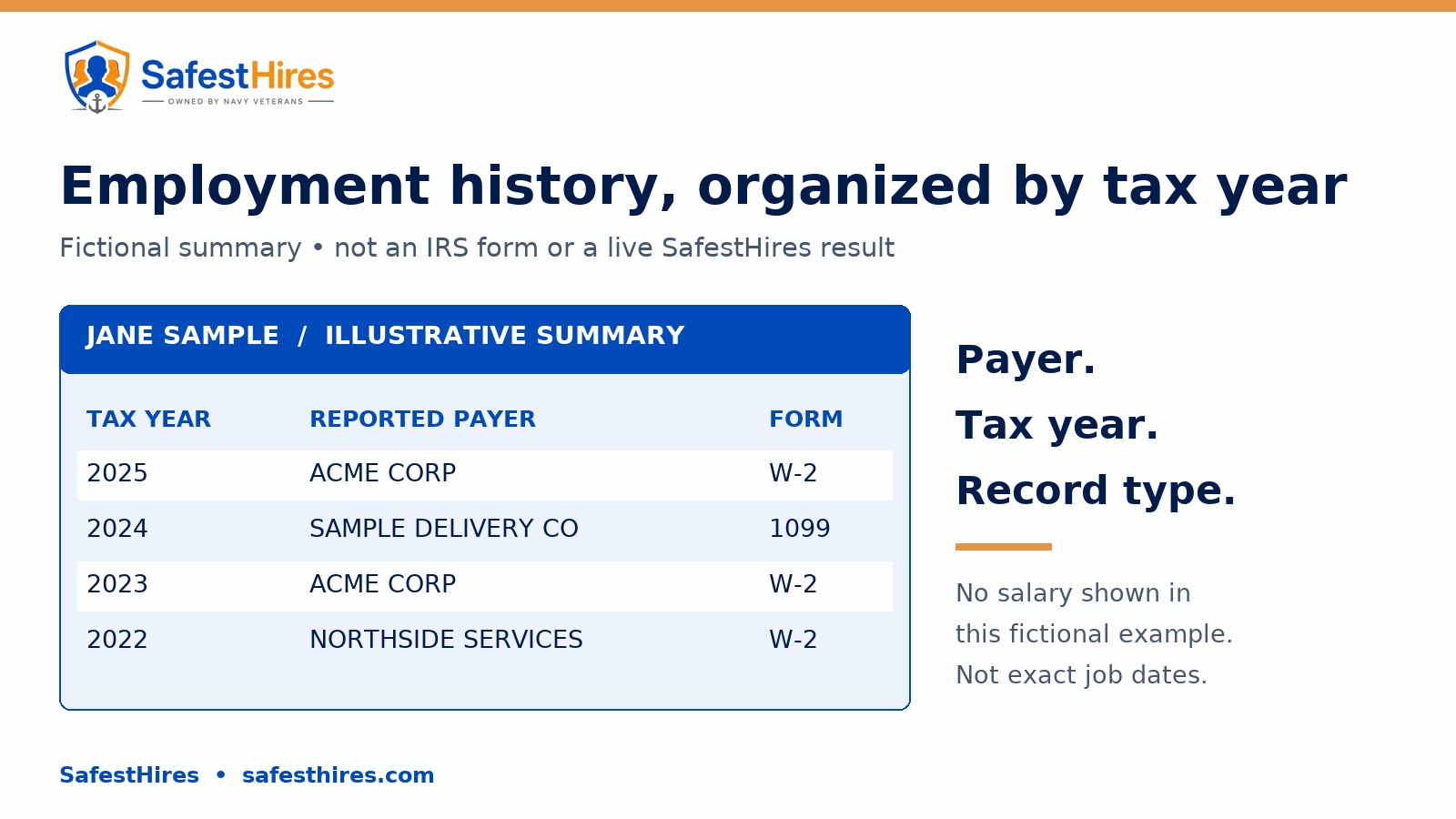
The IRS description of Wage and Income Transcripts identifies information reported on forms such as W-2 and 1099. Red Trends and Connecticut Background Checks describe using that information in employment-history products. Read the tax year as the year associated with the reported record—not as an exact start date, end date or uninterrupted period of employment.
Use the payer, tax year and record type as separate pieces of information. Avoid treating every 1099 entry as proof of an employee relationship. If your hiring process needs a job title, exact employment dates or current-employment confirmation, ask for the additional verification needed to answer that specific question.
Five questions to ask before ordering
- Who is the IVES participant, and which organizations are identified as recipients of the records?
- What must the applicant review and authorize, and what happens if they decline or cannot complete the process?
- Which tax years and record types are included, and how are unavailable records explained?
- Are salary and income amounts excluded from the employer-facing summary, attachments and exported results?
- Which details require separate verification, and what turnaround and total price apply to this specific order?
Ask to see the actual output rather than relying on a promotional diagram. In particular, confirm how employer or payer names appear, what a missing record means and how the provider handles a question raised by the applicant. Do not turn an unavailable entry into a hiring conclusion without resolving what the result represents.
Discuss the IVES scope with SafestHires
Start with the question your organization needs answered. Tell SafestHires whether you need a tax-year-based history review, exact employment dates, a job title or current-employment confirmation. Request a salary-free employer-facing sample and confirm the applicable order scope, applicant steps, price and turnaround before proceeding.
You can review our verification services and integration directory, or use the quote request below to discuss an employment-verification order. The graphics in this article are explanatory illustrations—not an offer of guaranteed processing time, universal record coverage or a particular output format.
Sources and review notes
Reviewed October 20, 2026. Core statements about taxpayer authorization, IRS-record origin and the use of reported W-2/1099 information were cross-checked against the IRS and the two independently published screening-provider explanations below. Provider descriptions are evidence of their own products, not an IRS endorsement or a universal eligibility rule.
- IRS: Income Verification Express Service — primary overview of IVES and taxpayer consent.
- IRS: IVES for taxpayers — request review and authorization.
- IRS: Topic 159 — transcript types and reported information returns.
- Red Trends: IRS tax transcripts — provider explanation of transcript-based verification.
- Connecticut Background Checks: IRS employment verification — independent provider explanation of employment-history scope.
Related guides
- What shows up on a background checkEvery record type an employment screen can return, what it cannot return, and the lookback limits that apply.Read the guide
- Adverse action: meaning, notices, and timelineWhat adverse action means under the FCRA, the two required notices, and how long to wait between them.Read the guide
- How long does a background check take?Realistic turnaround by search type, the court and verification delays that drive it, and how to shorten it.Read the guide
Want SafestHires to run this for you?
Get a written quote from a U.S.-based specialist inside one business day.